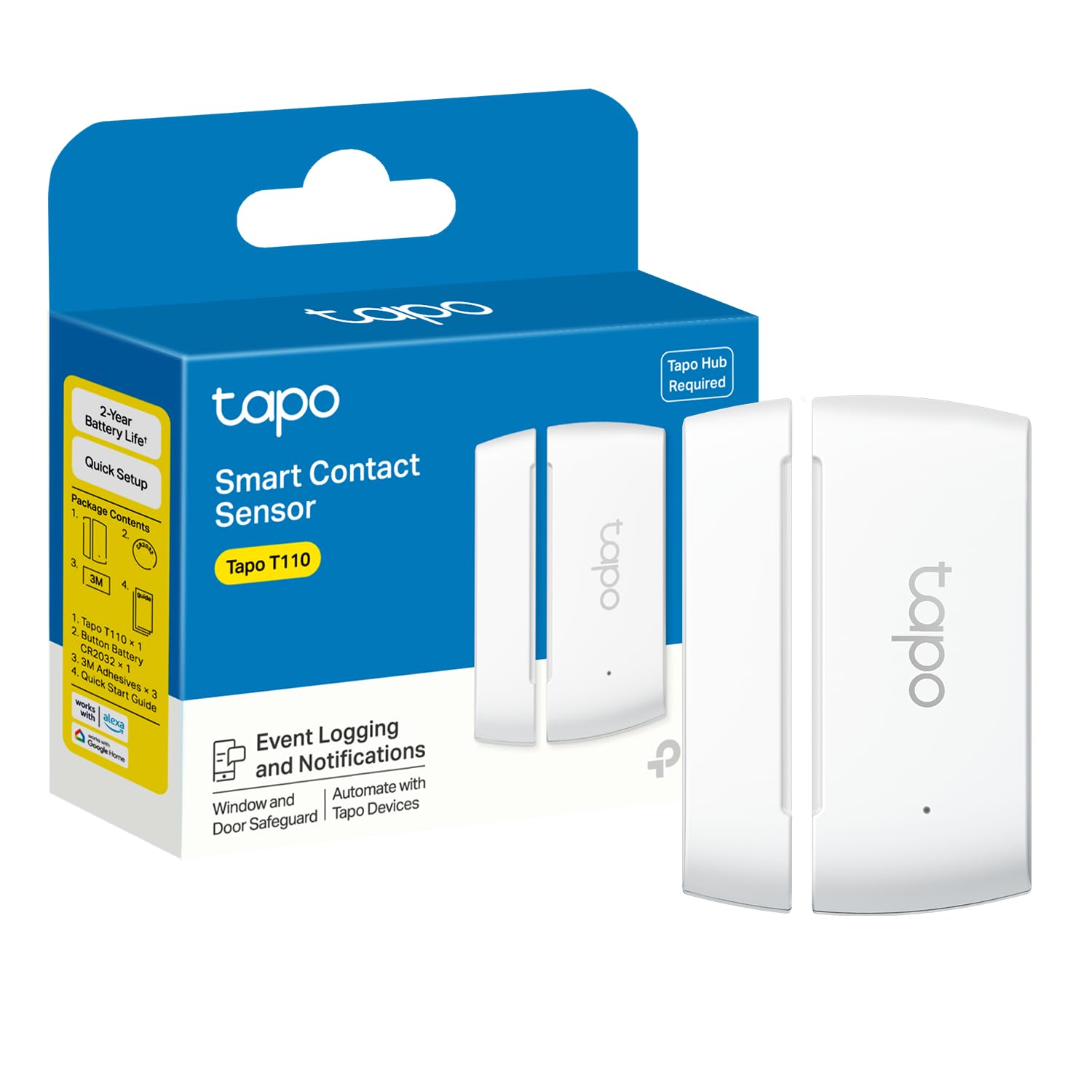
This Tapo Door Sensor Mini review looks at the T110 as a small contact sensor for keeping tabs on doors, windows, cabinets, and other items that open or close.
It can send phone alerts and trigger Tapo Smart Actions, but it requires a Tapo hub and a secured 2.4 GHz Wi-Fi network.
Tapo Door Sensor Review Summary
The quick verdict
700+ ratings
Read Amazon ReviewsTapo Door Sensor Mini T110
A useful fit for Tapo households seeking door, window, or cabinet alerts and automations, provided they have a compatible hub.
- Requires a Tapo hub, such as the H100, and a secured 2.4 GHz Wi-Fi network connection.
- Uses Sub-1G low-power wireless communication to connect with the hub.
- Monitors doors, windows, cabinets, fridges, mailboxes, and other items that open or close.
- Can send real-time phone notifications when an opening is detected.

Pros
- Useful for more than entry doors, including cabinets, fridges, and mailboxes.
- Opening events can feed into Tapo Smart Actions as well as phone alerts.
Consider before buying
- A Tapo hub is required, adding a separate device if one is not already part of the setup.
- The up-to-two-year battery estimate assumes fewer than 30 triggers per day, so frequent use may change replacement timing.
Read the full review summary
The T110’s appeal is its straightforward role: detect an opening or closing event and make that change useful through an alert or an automation.
It can be mounted on many surfaces with the included adhesive, and the 15 mm allowed gap gives some flexibility when positioning the sensor and its magnet.
It suits people already building around Tapo who want to monitor everyday access points or trigger compatible devices when something opens.
The hub requirement is central to the decision: the sensor communicates with a Tapo hub, while the hub needs a secured 2.4 GHz Wi-Fi connection. Check that setup and the intended mounting surface before buying.
The buying factors
Tapo Door Sensor Scorecard
Editorial scores reflect listed features and buyer fit; they are not laboratory measurements or customer ratings.
Monitoring versatility
The contact design can be used on doors, windows, cabinets, fridges, mailboxes, and other openable items.
Automation usefulness
Opening or closing can serve as a precondition for Smart Actions, including controlling lights or a Tapo camera.
Setup flexibility
Included adhesive supports mounting on many surfaces, and the allowed gap is up to 15 mm.
Power convenience
One included CR2032 battery can provide up to two years under the stated condition of fewer than 30 triggers per day.
System dependency
A Tapo hub is required, so this sensor is most convenient for buyers who already have or plan to add one.
Alert options
It supports phone notifications, and the hub can be programmed to sound a siren for an event.
Key Features and Specifications of Tapo Door Sensor
- Requires a Tapo hub, such as the H100, and a secured 2.4 GHz Wi-Fi network connection.
- Uses Sub-1G low-power wireless communication to connect with the hub.
- Monitors doors, windows, cabinets, fridges, mailboxes, and other items that open or close.
- Can send real-time phone notifications when an opening is detected.
- Supports Smart Actions, such as turning lights on or off or disabling a Tapo security camera when a door opens.
- Allows a gap of up to 15 mm between the sensor and its magnet.
- Includes one CR2032 battery and 3M adhesive; battery life is up to two years at fewer than 30 triggers per day.
Pros and Cons of Tapo Door Sensor
Pros
- Useful for more than entry doors, including cabinets, fridges, and mailboxes.
- Opening events can feed into Tapo Smart Actions as well as phone alerts.
- The included adhesive makes placement on many surfaces simple.
- The stated battery life can reduce how often buyers need to replace the cell under the specified trigger pattern.
Consider before buying
- A Tapo hub is required, adding a separate device if one is not already part of the setup.
- The up-to-two-year battery estimate assumes fewer than 30 triggers per day, so frequent use may change replacement timing.
- Before mounting, check that the sensor and magnet can align within the 15 mm allowed gap on the chosen surface.
Who Should Buy Tapo Door Sensor?
Good fit
Consider the T110 if you already use a Tapo hub and want a contact sensor to notify you when a frequently used door, window, or cabinet opens.
It also makes sense when you have a clear automation in mind, such as switching a light when an entry point opens.
It can also suit a small monitoring task away from the front door, such as checking a mailbox or fridge.
Confirm the mounting positions first, especially if the two parts will sit at an angle or on surfaces that do not meet evenly.
Who should skip it
Skip this model if you need a standalone sensor and do not want to add a Tapo hub. It is also a poor fit if your intended placement cannot keep the sensor and magnet within the allowed gap.
If you expect very frequent opening events, treat the two-year battery figure as a best-case guide tied to fewer than 30 triggers per day rather than a fixed replacement schedule.
How the Tapo Door Sensor Fits a Tapo Home
The hub shapes the buying decision
The T110 is one part of a system. Its wireless connection is to the Tapo hub, and the hub in turn requires a secured 2.4 GHz Wi-Fi connection.
Buyers with that hub in place can focus on sensor placement and automations; buyers starting from scratch should account for the additional hub before choosing the sensor.
Contact sensing can support practical routines
A contact sensor responds to an opening or closing point, so the same basic function can serve different routines around a home.
A door event might notify a phone or act as the trigger for compatible lights or a Tapo camera.
Think through which event should start which action before installation, so the sensor is placed where it can detect the intended movement.
Plan the alignment and adhesive placement
The stated 15 mm gap allowance gives a measurable reference for positioning the sensor and magnet.
Test the fit at the chosen door, window, or cabinet before attaching the adhesive, and make sure the two parts remain aligned through the full opening and closing motion.
Battery expectations depend on activity
The included CR2032 cell is rated for up to two years when the sensor is triggered fewer than 30 times each day.
That makes it a potentially low-maintenance option for a lightly used access point, while a busier cabinet or door may consume more battery; the actual replacement interval will depend on use.
Alternatives to Tapo Door Sensor
No alternative model is recommended here. Compare the design and features that matter to your routine before choosing another option.
Is Tapo Door Sensor Worth It?
The Tapo Door Sensor Mini T110 is worth considering for Tapo users who want simple opening alerts or a contact event to trigger a compatible Smart Action.
Its flexible monitoring uses, adhesive mounting, and stated long battery life make it appealing for common household access points.
Buy it when the required hub is already in your setup or fits your plans, and verify the sensor-to-magnet alignment before mounting.
If you need a standalone sensor, the hub dependency is a meaningful reason to choose a different approach.
Your review at a glance
700+ ratings
Read Amazon ReviewsTapo Door Sensor Mini T110
A useful fit for Tapo households seeking door, window, or cabinet alerts and automations, provided they have a compatible hub.
- Requires a Tapo hub, such as the H100, and a secured 2.4 GHz Wi-Fi network connection.
- Uses Sub-1G low-power wireless communication to connect with the hub.
- Monitors doors, windows, cabinets, fridges, mailboxes, and other items that open or close.
- Can send real-time phone notifications when an opening is detected.